Spatial
poetry
at speed
Elevate technical CAD data into atmospheric cinematic narratives — rendered, edited, enhanced and animated in one browser studio.
- Runs in your browser. No installs needed.
- Compatible with any device.
- Zero learning curve.
- One-click realism.
Rated by architects and designers in 80+ countries
Render your design, keeping the geometry unchanged
Sync CAD
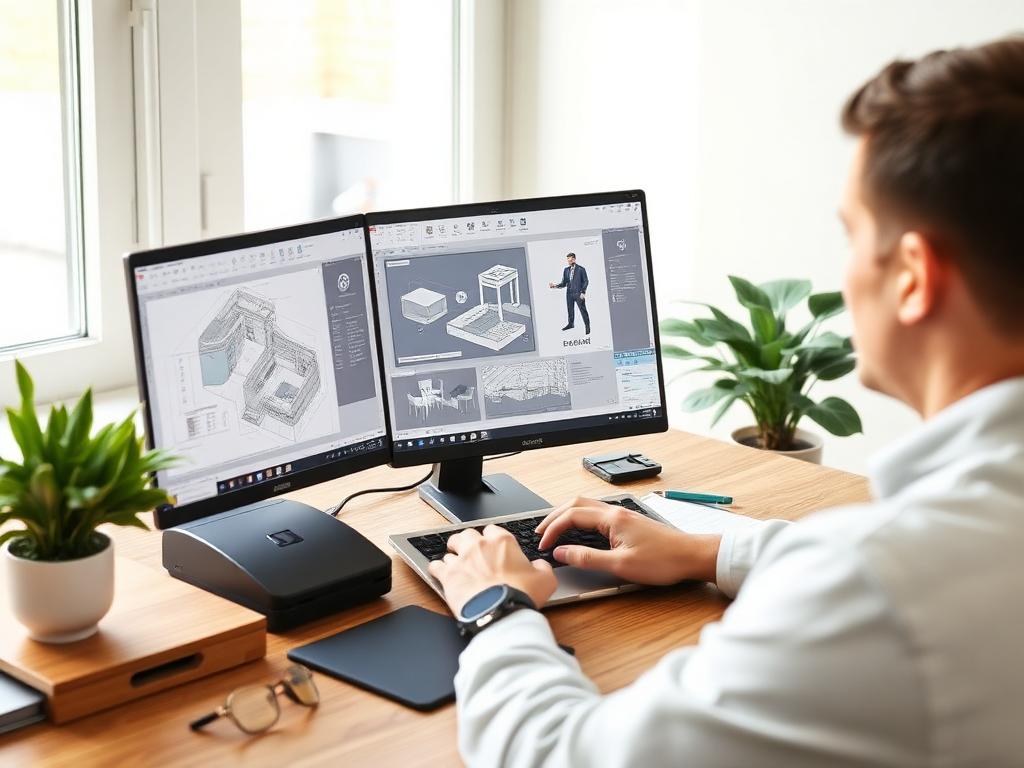
Upload an interior or architectural design from SketchUp, Revit, Archicad, or any other CAD modeling software. Common image formats supported.
Scene type
Prompt (optional)
Atmosphere
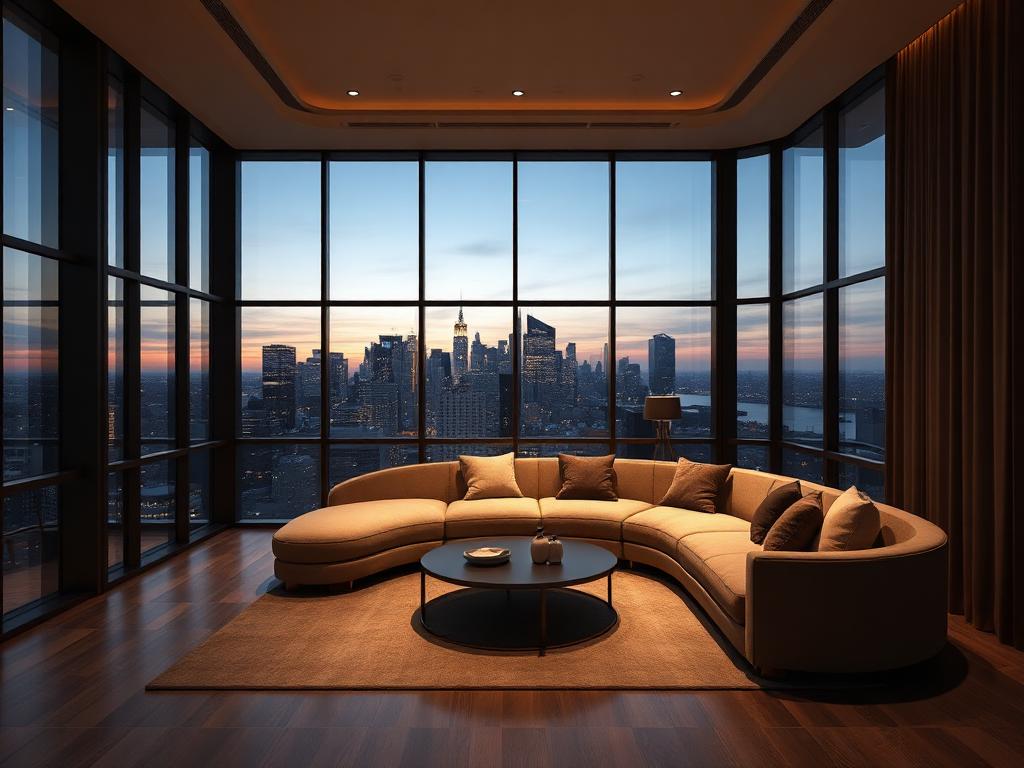
Our rendering engine turns your design into a photorealistic visual while keeping the geometry and textures unchanged. Prompt is optional.
Generate
PlanarfxAI handles modeling, lighting and texturing, producing a photorealistic render in seconds. Download in 4K and share with your client.
One studio for the whole visualization workflow
Render
Visualize CAD designs, sketches, and elevations.
Edit
Change materials and lighting, add or remove objects.
Enhance
Improve resolution, lighting, and realism in your existing renders.
Animate
Animate any render or sketch in just a few clicks.
Scale your
studio output
Start free. Upgrade when your studio scales. Flexible memberships for individual architects and global design firms.
Questions
- Which file types can I upload?
- JPG, JPEG, PNG and WEBP up to 50MB. Floor plans are not supported in this version.
- Are my credits consumed if a generation fails?
- No. Credits are only counted once a generation completes successfully.
- Can I keep my original materials?
- Yes — choose Preserve existing textures in the render panel.
- How do I get a 4K or 8K download?
- 4K is available from Starter, 8K from Studio. Original resolution is always available.
- Where are my generations stored?
- Every generation is saved to its session automatically and is private to your account.
Your next render
is 10 seconds away
No installs. No plugins. Works on any device.
Get 10 renders for free